What are Unclaimed Asset Labels on Shelf and what are they used for


Have you ever wished for a simpler way to manage and track your company's assets? A way that doesn't need a full inventory list first?
At Shelf.nu, we know efficient asset management is crucial. So, we created a feature for this Unclaimed Asset Labels! Let us explain what makes these labels special and how you can benefit from using them.
Understanding Unclaimed Asset Labels
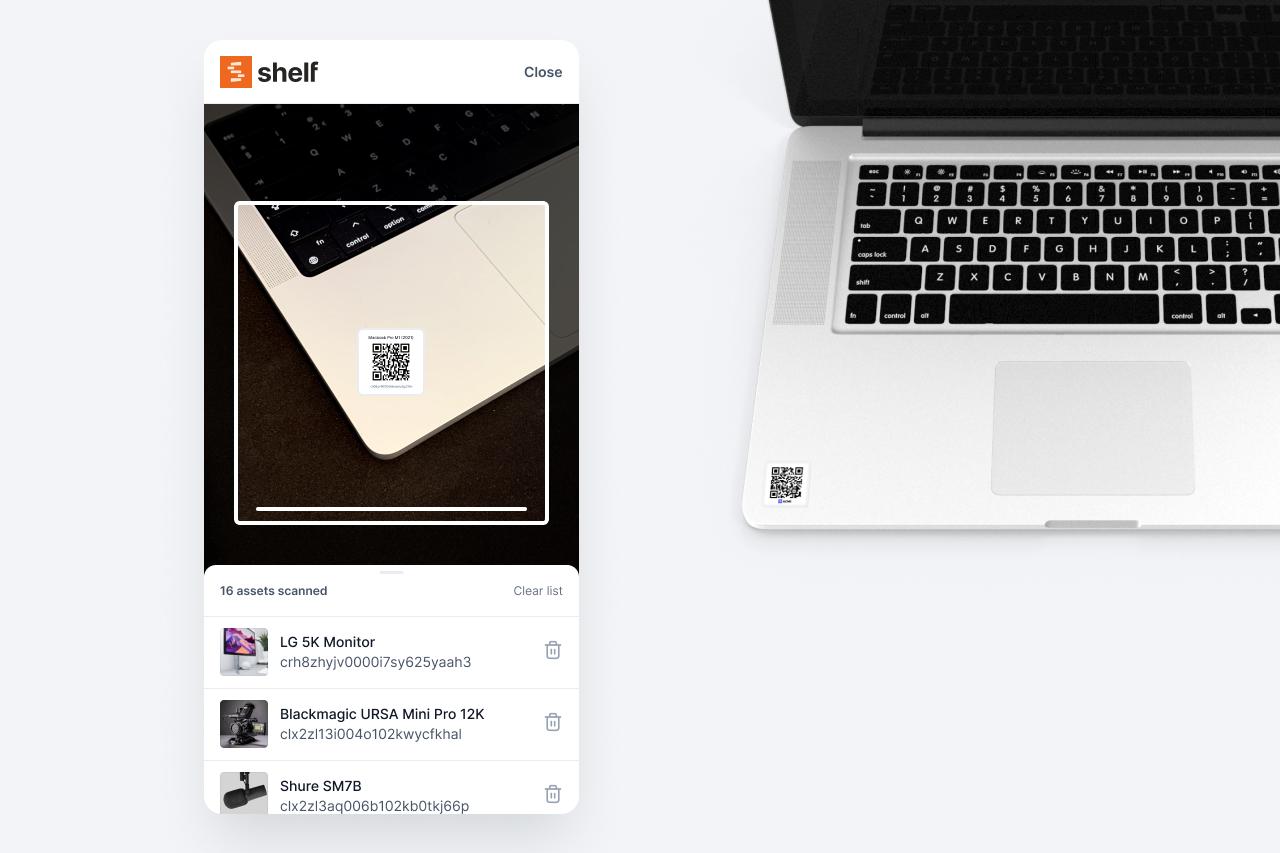
Unclaimed Asset Labels offer businesses a convenient method of assigning asset labels to new assets right away. Unlike Shelf's traditional asset labels, these tags aren't assigned to individual assets at creation; instead, they are unique codes which are linked to a specific user or workspace. So you can have tags at hand, whenever new equipment comes in - just grab an asset label - add it to your inventory and create an asset.
How Do They Work?
To start using Unclaimed Asset Labels, you need a Shelf.nu account on a paid plan. Unclaimed Asset Labels are a Plus and Team plan feature — they can't be requested on the Free plan. Once you're on a Plus or Team plan, follow these simple steps:
-
Request the amount of Unclaimed Asset Labels via our live chat. (Requesting labels is available on the Plus and Team plans only — not the Free plan.)
-
Receive a ZIP file containing a collection of QR codes that are linked to your workspace.
-
Print out the labels and attach them to your recently acquired assets.
-
Scan each tag to create an item in your asset database.
-
You are done! Begin monitoring and managing those assets effortlessly!
Why Use Unclaimed Asset Labels?
There are several advantages to incorporating Unclaimed Asset Labels into your business operations:
-
Streamlined Procurement Process: No longer wait for extensive an asset to be created in shelf before generating an asset tag. Assign labels instantly to new purchases and begin tracking them straight away.
-
Scalability: Ideal for growing businesses acquiring multiple assets simultaneously, saving time and resources compared to manually entering data for every single piece of equipment. All users with enough permissions can scan an unclaimed tag and create an asset.
-
Flexibility: Users may choose between printing the labels themselves or having the Shelf.nu team handle the job. (Read: Our process for creating asset labels > https://www.shelf.nu/blog/our-process-for-creating-asset-labels)
In short
Consider using Unclaimed Asset Labels for your Shelf workspace. Eliminate unnecessary delays and enjoy seamless integration, enhanced visibility, and simplified management of your valuable assets today.
If you require further assistance or have additional questions about Unclaimed Asset Labels, feel free to reach out to our dedicated support team anytime. We're here to make sure your experience with Shelf.nu exceeds expectations!
Please note: Unclaimed Asset Labels are only available on Shelf's Plus and Team plans. They cannot be requested on the Free plan — upgrade to Plus or Team to request labels.
Ready to organize your assets?
Join thousands of teams who trust Shelf to manage their physical assets. Free forever, or try the Team plan free for 7 days.
Out in the field? Shelf Companion is free on iPhone & Android.
More from the blog
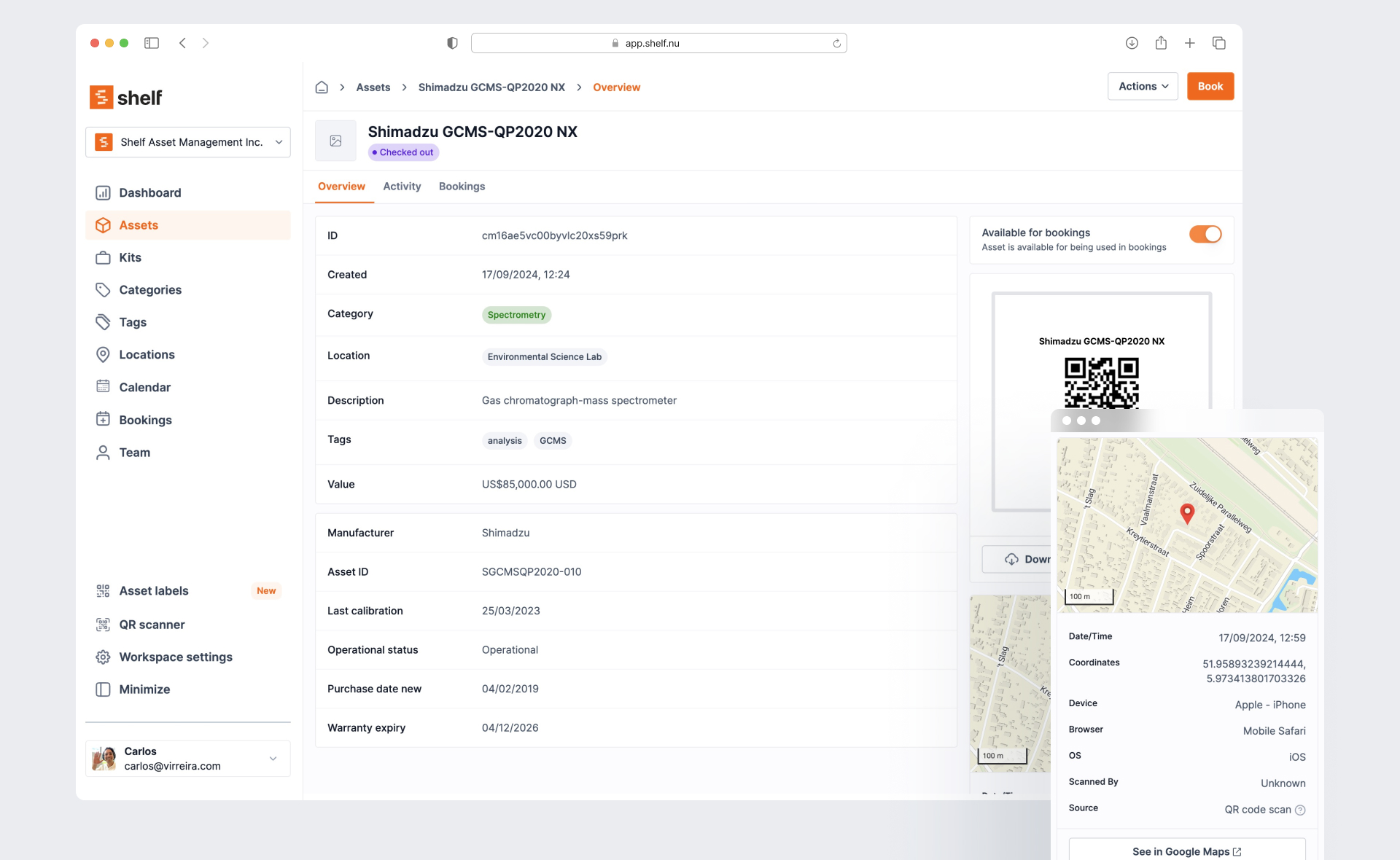
Best Equipment Management Software in 2026: An Honest Comparison
A fair, detailed comparison of 7 equipment management tools — Shelf, Cheqroom, Sortly, Snipe-IT, EZOfficeInventory, Asset Panda, and Reftab — with real pricing, honest trade-offs, and guidance by use case.

Film School Equipment Checkout Policies & Best Practices
Film schools and media programs juggle hundreds of cameras, audio kits, and lighting rigs that constantly flow between courses, sets, and student projects. Without a structured policy, even the best cage managers battle bottlenecks, lost lenses, or scheduling conflicts that derail productions. This guide consolidates proven practices from campus equipment rooms, fills gaps left by scattered institutional playbooks, and shows how Shelf’s platform helps document workflows, automate reminders, and drive accountability without resorting to guesswork.
Equipment Management Software for Universities: Streamlining Campus Resources
Learn how equipment management software for universities tracks, manages and schedules campus equipment while improving accountability and student access.